
DIGITAL QR MENU
Your menu.
On every phone.
We create your digital menu and keep it up to date. Guests scan your QR code to browse, with no app to download.
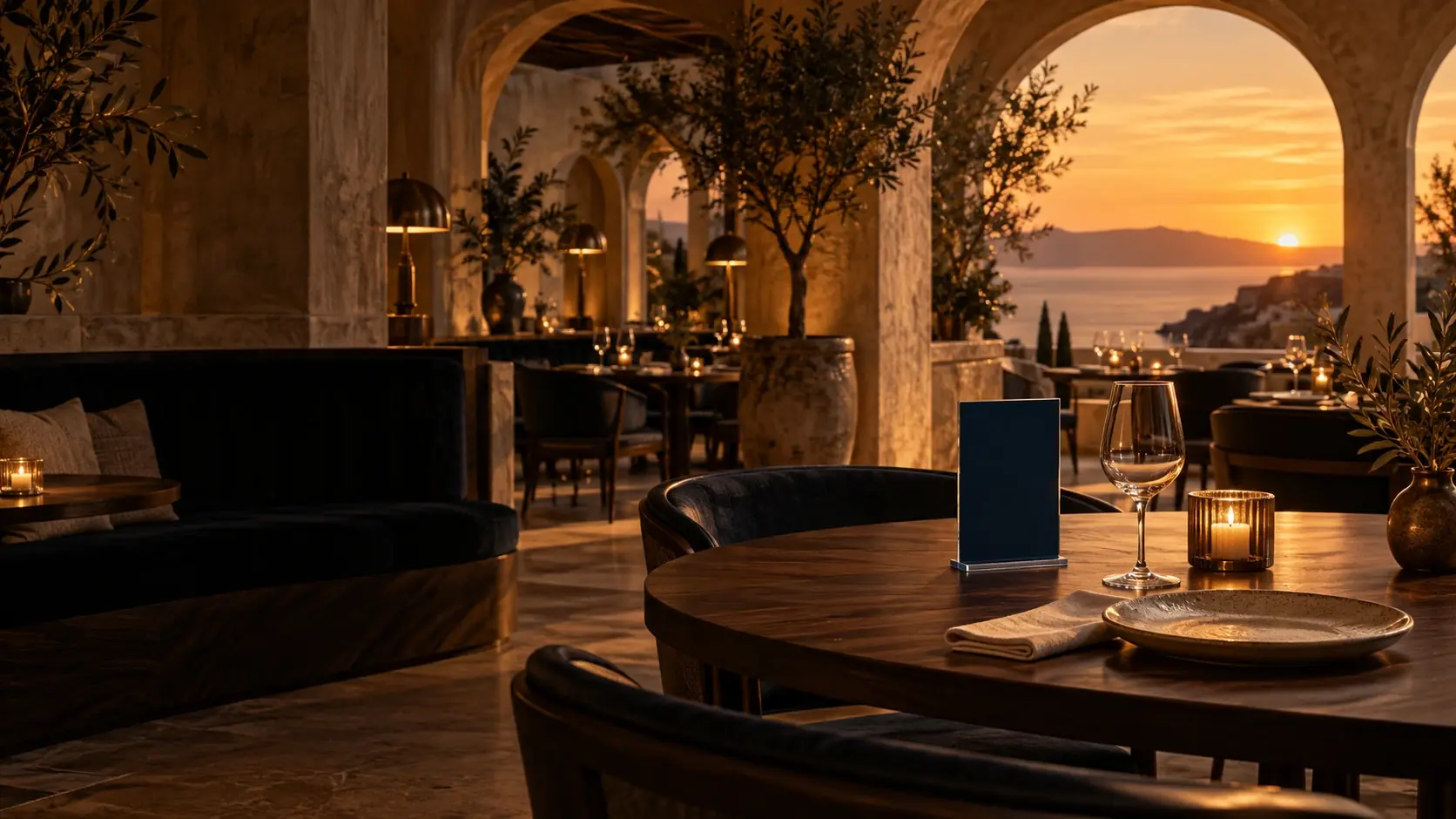
See how guests open your menu with a QR code.
Your menu.
Ready for every guest.
We create your digital menu and keep it up to date, so you can focus on your guests.
Send us your menu and we’ll set up the items, categories and languages. Your guests can then scan the QR code at their table to browse on their phones. Need to change a price or an item? Just let us know and we’ll update it.
One QR code.
Your entire menu.
Your guests can browse menu items, descriptions and prices on their phones. There’s no app to download.
Need a change?
We’ll take care of it.
Send us your new prices, items or corrections. We’ll make the changes for you.
Your menu.
In multiple languages.
The Start and Seasonal plans include Greek and English. You can add more languages to each menu.
However many tables you have.
One menu solution.
MENNOO Start (€249/year) or MENNOO Seasonal (€199/up to 9 months). Each digital menu includes Greek, English and unlimited updates.
No charges per table or menu update.
- Unlimited items & categoriesSpace for your entire digital menu.
- Greek and English includedBoth languages included with either plan.
- Unlimited updatesSend us your changes. We update the menu.
Initial menu entry and setup included.
YOUR MENNOO PLAN
MENNOO Start
Equivalent cost per day
≈€0.68/ day
+ VAT
Total plan price€249 / year + VAT
€249 ÷ 365 days, rounded. Annual billing, not daily.
Each additional language / digital menu+€50 / year + VAT
Both plans include Greek and English per digital menu. Prices exclude VAT.
Hotels, chains & groups: Tailored quote based on your menus and requirements. Request a quote.
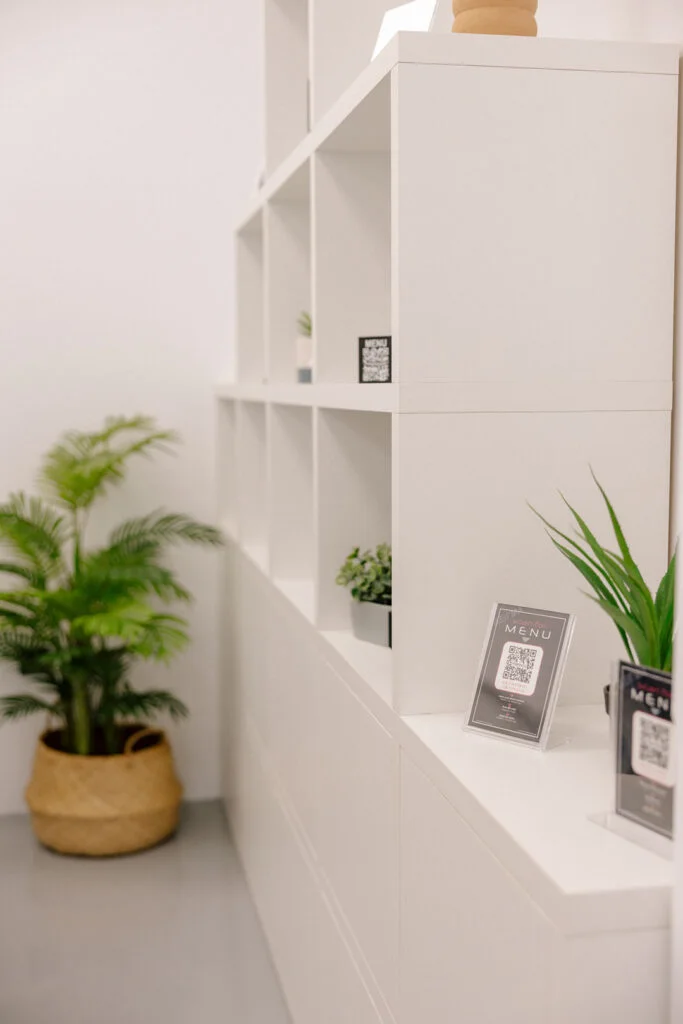
on the table.
Guests scan to open the menu.
GETTING STARTED
From your current menu
to a digital one.
Send us your current menu.
Send us your current menu as a PDF, Word document or photos, along with any other details you’d like to include.
We create your digital menu.
We add your items, descriptions and prices, arrange them into categories and set up the languages included in your plan.
Display your QR code.
We’ll give you a link and QR code for your menu. Display the code at your venue so guests can scan it and start browsing.
AI TELL ME MOREMore information about each menu item
Guests can ask for more information about an item on your menu.
AI Tell Me More uses the item, its category and the guest’s chosen language to generate that information.
Contact us to check availability for your menu.Your QR code.
A stand that suits your space.
Keep your menu’s QR code easy to find with a tabletop stand. Explore our four designs in black PLA and rotate each one to see its shape from every angle.
View all stands in 360°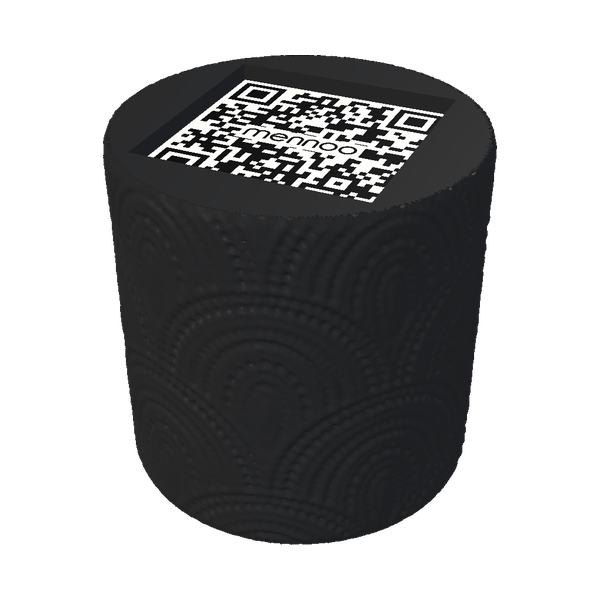 BOHO
65 mm high · View in 360°
02 / 04
BOHO
65 mm high · View in 360°
02 / 04
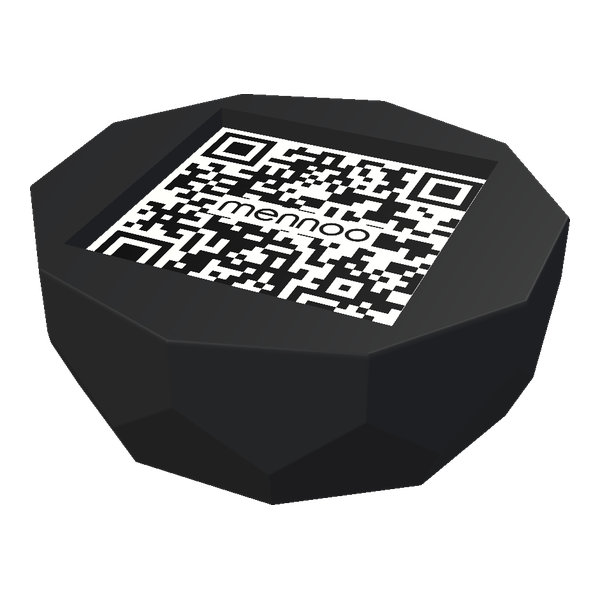 MINI POLYGON
25 mm high · View in 360°
03 / 04
MINI POLYGON
25 mm high · View in 360°
03 / 04
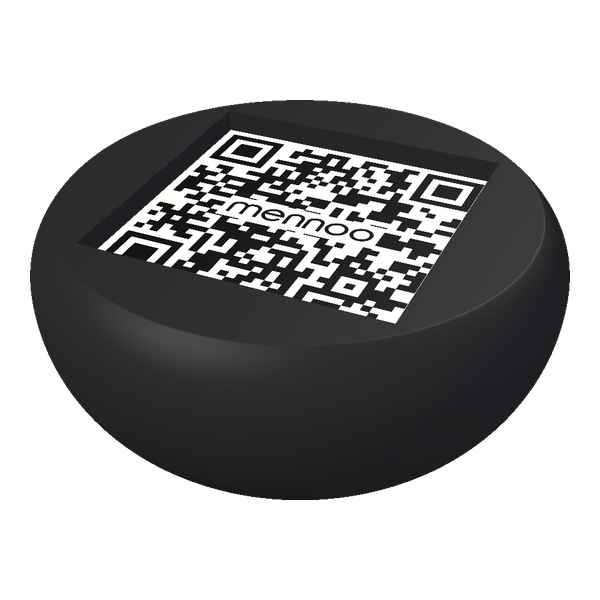 MINI VOTSALO
25 mm high · View in 360°
04 / 04
MINI VOTSALO
25 mm high · View in 360°
04 / 04
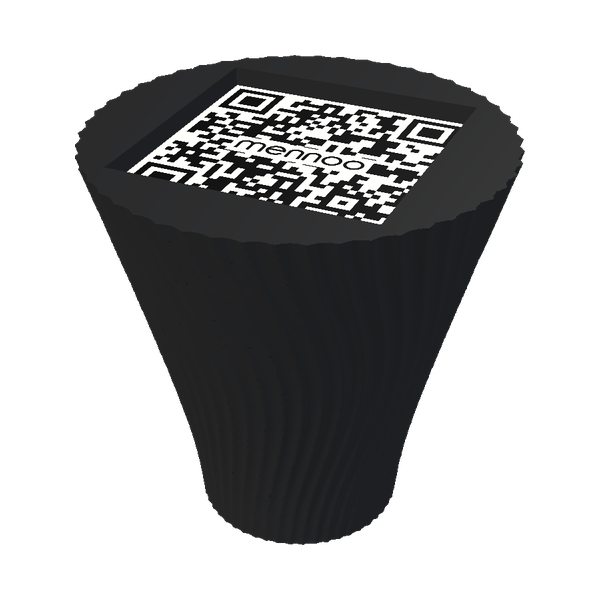 CHONAKI
65 mm high · View in 360°
CHONAKI
65 mm high · View in 360°
Black PLA · 41 × 41 mm recess, 3 mm deep, for the QR sticker.
See what
a MENNOO menu looks like.
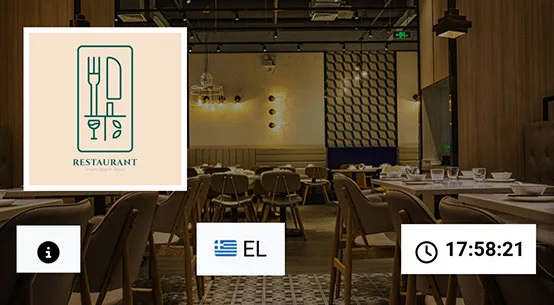
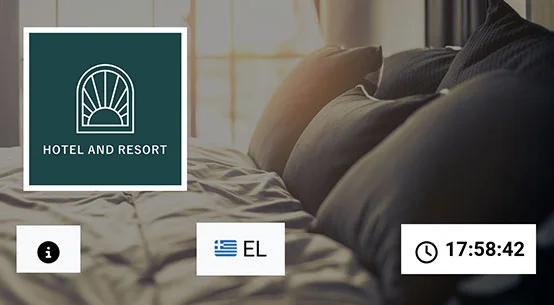
Choose a business type to explore a sample menu. Browse the categories and items, and try switching between the available languages.
Menus also available for:
Cafés · All-day venues · Cocktail bars · Spas
FREQUENTLY ASKED QUESTIONS
Everything you need
to know.
Find answers to common questions about MENNOO, from setting up your menu to making updates.
Still have a question?Call us. 210 802 80 80
What is MENNOO?
MENNOO creates and maintains digital menus for your business. Guests simply scan your QR code to browse the menu on their phones.
Do guests need to download an app?
No. Guests scan the QR code with their phone’s camera and the menu opens in their browser. They can also open it using your menu’s direct link.
Who creates and updates the menu?
We handle both setup and updates. Send us your current menu, then let us know whenever something changes. There’s no management software for you to learn or maintain.
How do I send my existing menu?
Email your menu as a PDF, Word document or photos to info@mennoo.gr. You can also send it via Viber or WhatsApp on 698 555 80 80.
How do I update menu items and prices?
Email us your changes, send them via Viber or WhatsApp, or call 210 802 80 80. We’ll update the menu for you. Your subscription includes unlimited updates.
How many languages can I choose?
Both MENNOO Start and MENNOO Seasonal include Greek and English for one digital menu. Each additional language costs €50 per year, per menu, excluding VAT.
What do MENNOO plans include?
MENNOO Start (€249 / year) and MENNOO Seasonal (€199 / up to 9 months) include one digital menu in Greek and English, initial setup and unlimited updates. Prices are per menu and exclude VAT. Hotels, chains and groups can request a custom quote.
Can guests order or pay through the menu?
No. MENNOO lets guests browse your menu. It does not support ordering or payments through the menu.
What does AI Tell Me More do?
It generates additional information about a menu item based on its category and the language your guest has selected. Contact us to check whether this feature is available for your menu.
Which businesses can use MENNOO?
MENNOO is for restaurants, cafés, beach bars, hotels and other businesses that want a digital menu for their products or services.
No questions found. Try another search or select “All”.
THE MENNOO TEAM
Talk to people
who know your menu.
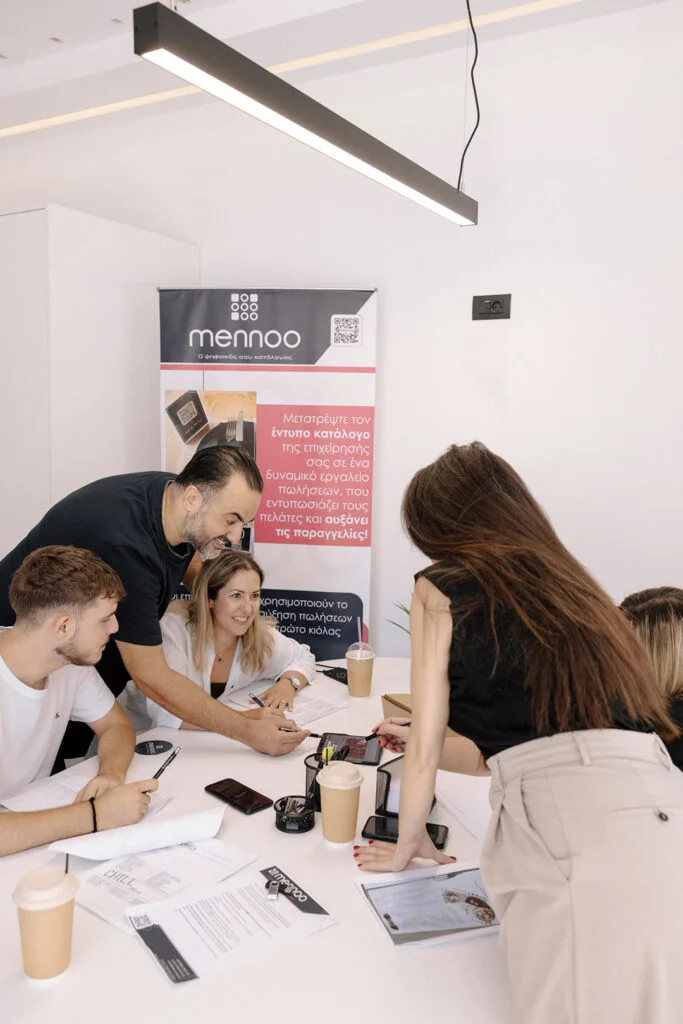
We create and update digital menus for restaurants and hospitality businesses.
From setting up your menu to changing a price or answering a question, our team is here to help. Just give us a call or send us a message.
Call MENNOOWant MENNOO
for your business?
Book an introductory callChoose a date and time that work for you.Already a MENNOO partner or customer?Refer a new business, renew your subscription or request changes to your menu.